
Excel is comfortable. Everyone knows it. But comfort is not the same as control — and for Indian developers processing hundreds of leads weekly across multiple projects, spreadsheets become the silent killer of conversion rates. Here is an honest comparison and a practical migration path.
Where Excel still works — and where it breaks
Excel is fine for one-off analysis, ad-hoc commission calculations, or a quick pricing scenario. It breaks as your system of record for leads, inventory, and pipeline. Version conflicts, no audit trail, zero automation, and no mobile access for field teams make it a liability past 50 active leads.
The hidden costs of spreadsheet sales operations
- Duplicate lead entries when portal CSVs are merged manually each morning
- Missed follow-ups because there is no SLA tracking or escalation
- Inventory conflicts when two executives hold the same unit in separate files
- Leadership flying blind — pipeline reports take days to compile and are outdated on arrival
- Broker disputes over lead ownership with no timestamped audit trail
Side-by-side: CRM vs Excel for real estate sales
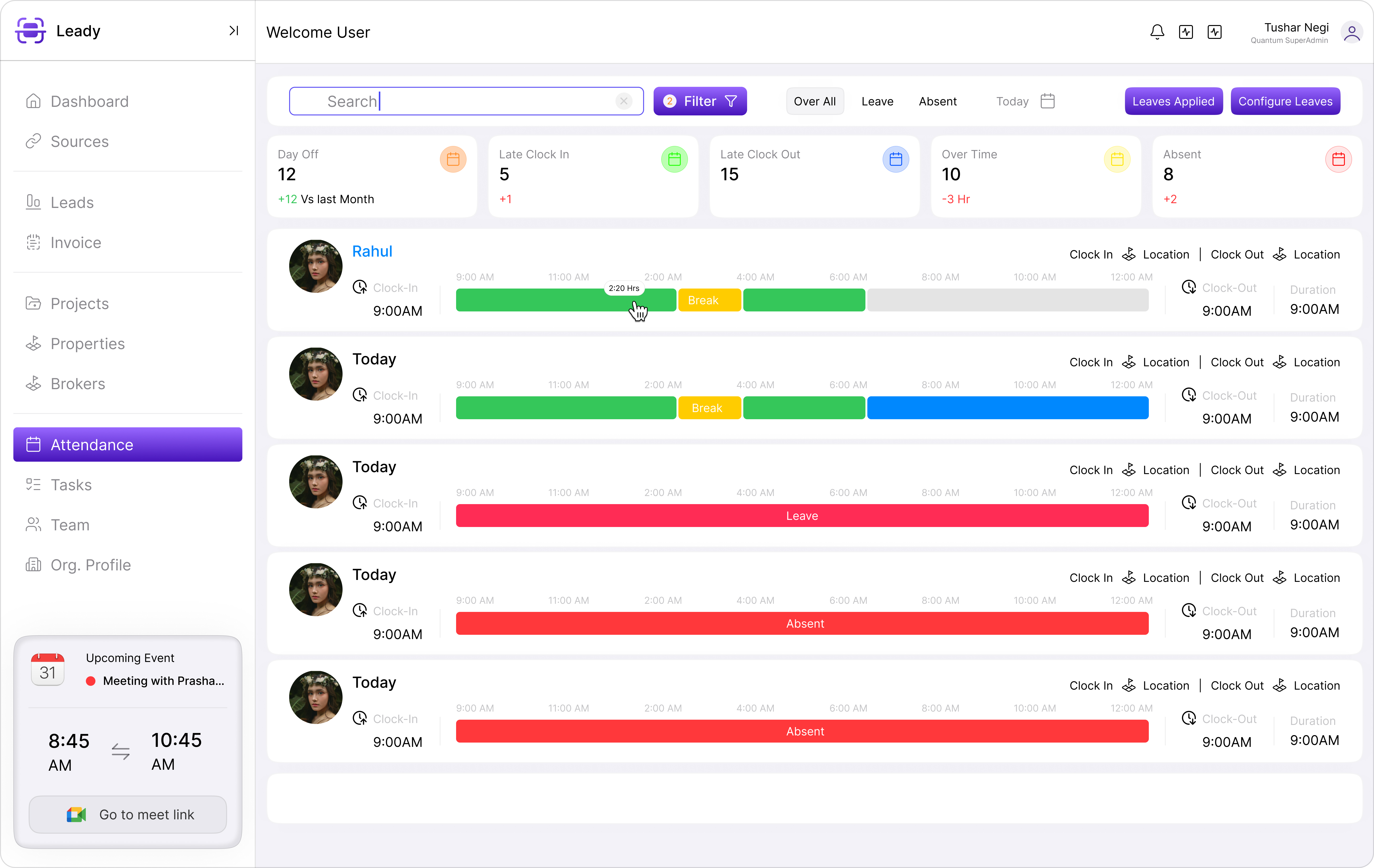
CRM provides real-time lead routing, automated follow-up, live inventory, partner portals, and analytics dashboards — all connected. Excel provides rows and columns. The total cost of ownership for CRM is lower than most teams expect when you factor in lost bookings, manual labour, and leadership time spent reconciling data.
Common objections — and the reality
'Our team is not tech-savvy.' Modern real estate CRMs like Leady Nest are designed for pre-sales executives, not IT departments. Mobile-first interfaces and WhatsApp integration meet teams where they already work. 'CRM is expensive.' One recovered booking per month often covers the subscription.
“We spent three days every month reconciling Excel sheets. CRM gave us that time back and surfaced pipeline we did not know we were losing.”
— Finance head, mid-size developer in Chennai
A 30-day migration path that works
Week 1: Import active leads and assign owners. Week 2: Connect portal feeds and walk-in capture. Week 3: Load inventory and enable holds. Week 4: Launch broker portal and basic automation. Do not attempt a big-bang cutover — parallel-run for two weeks if needed, then retire the spreadsheet.
Change management tips
Name CRM champions on the sales floor. Track adoption daily in the first month. Celebrate quick wins — fastest response time, first booking logged entirely in CRM. Leadership must use CRM dashboards in review meetings, not ask for Excel exports.
Key takeaways
- Excel fails as a system of record once you exceed 50 active leads or run multiple projects.
- Hidden costs include duplicate entries, missed follow-ups, inventory conflicts, and delayed reporting.
- Modern real estate CRMs are mobile-first and pay for themselves with a single recovered booking.
- Migrate in four weekly phases — leads, sources, inventory, then partner portals.
- Leadership must use CRM dashboards in reviews to drive adoption, not request Excel exports.